
All employee data in one place.
Master data and contracts live on one record instead of scattered across spreadsheets and email threads. Every change is traceable, right down to who made it and when.
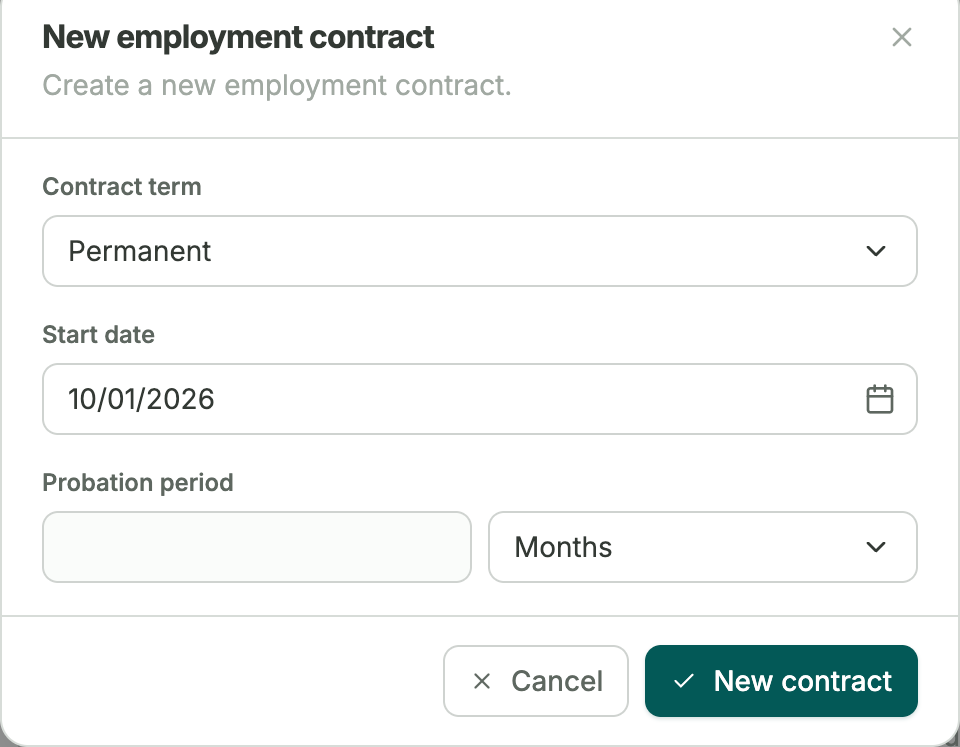
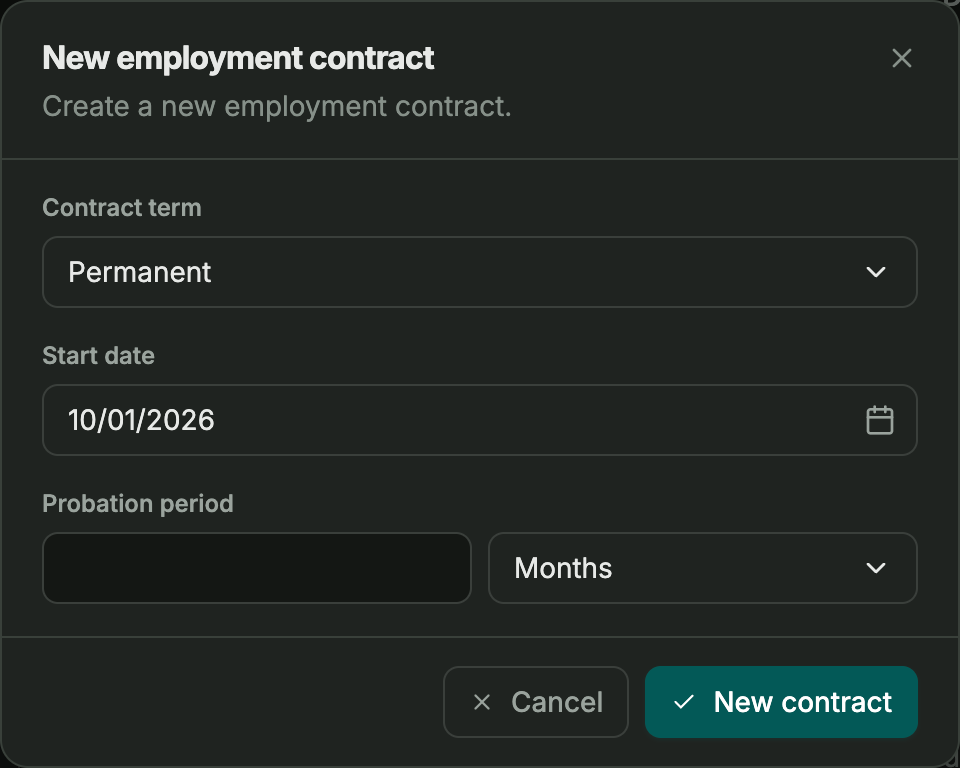
Everything stems from the employment contract
Salary, working time, leave entitlement, work location, and legal employer all live on the employment contract. Change one of them, and it is the contract that changes, not a note somewhere else.
- One record covers salary, hours, leave, location, and employer
- Nothing hidden in a side spreadsheet
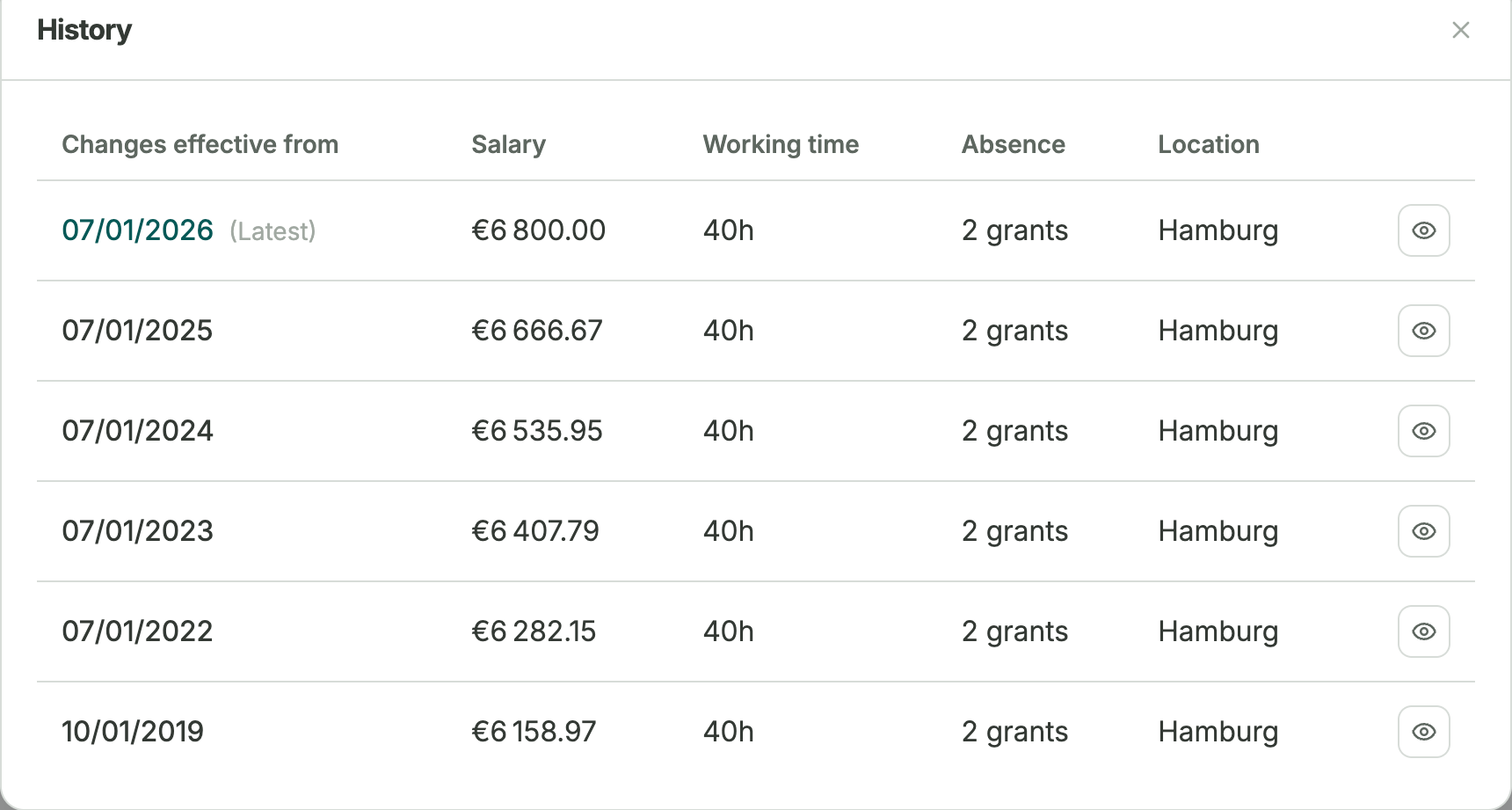
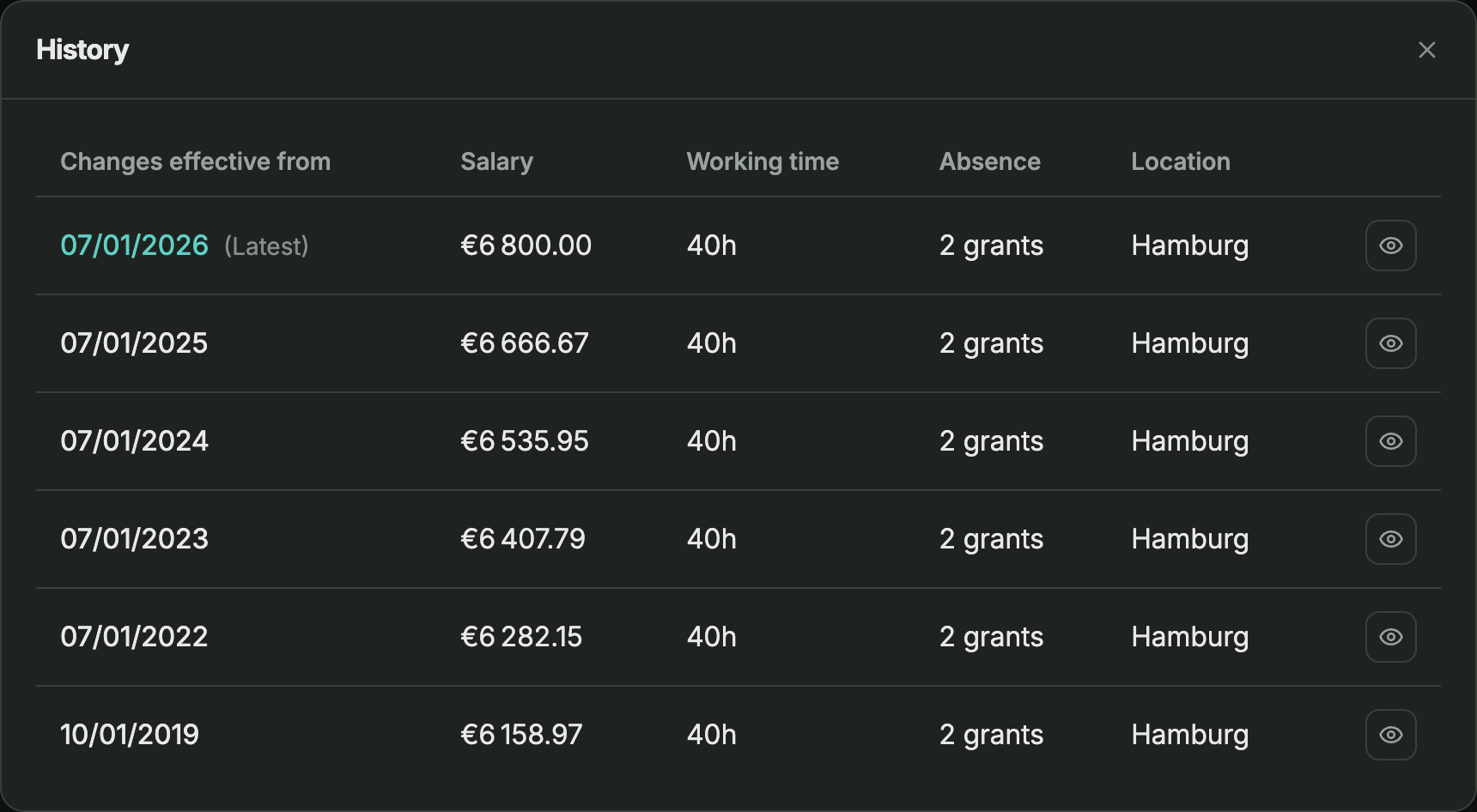
Every change, kept on record
A raise or new working hours becomes its own dated entry. Anything that came before also stays on record.
- Changes take effect on the date you choose, past or future
- Every record is kept, nothing disappears unnoticed
- A correction stays a correction, not a new history entry
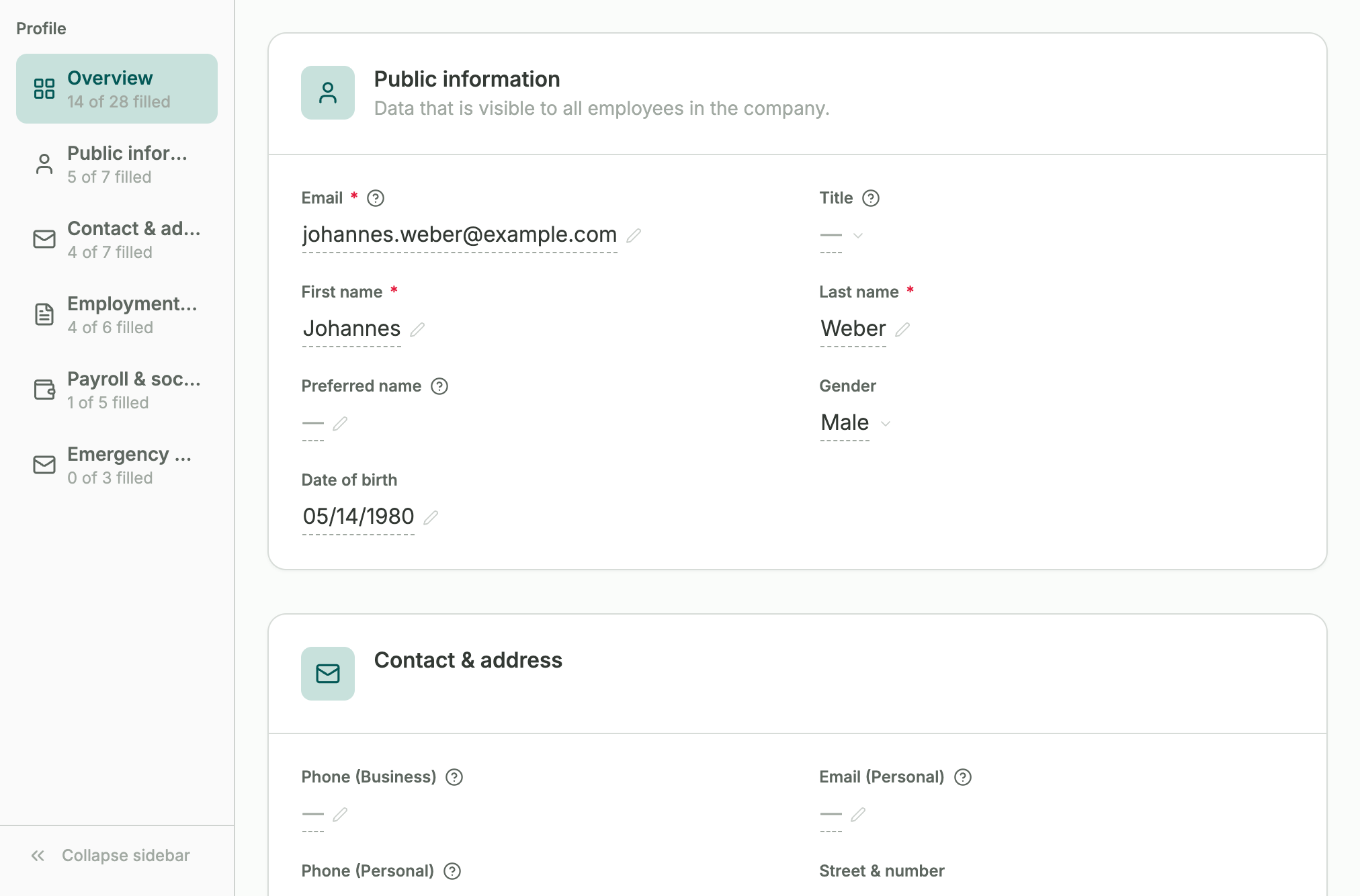
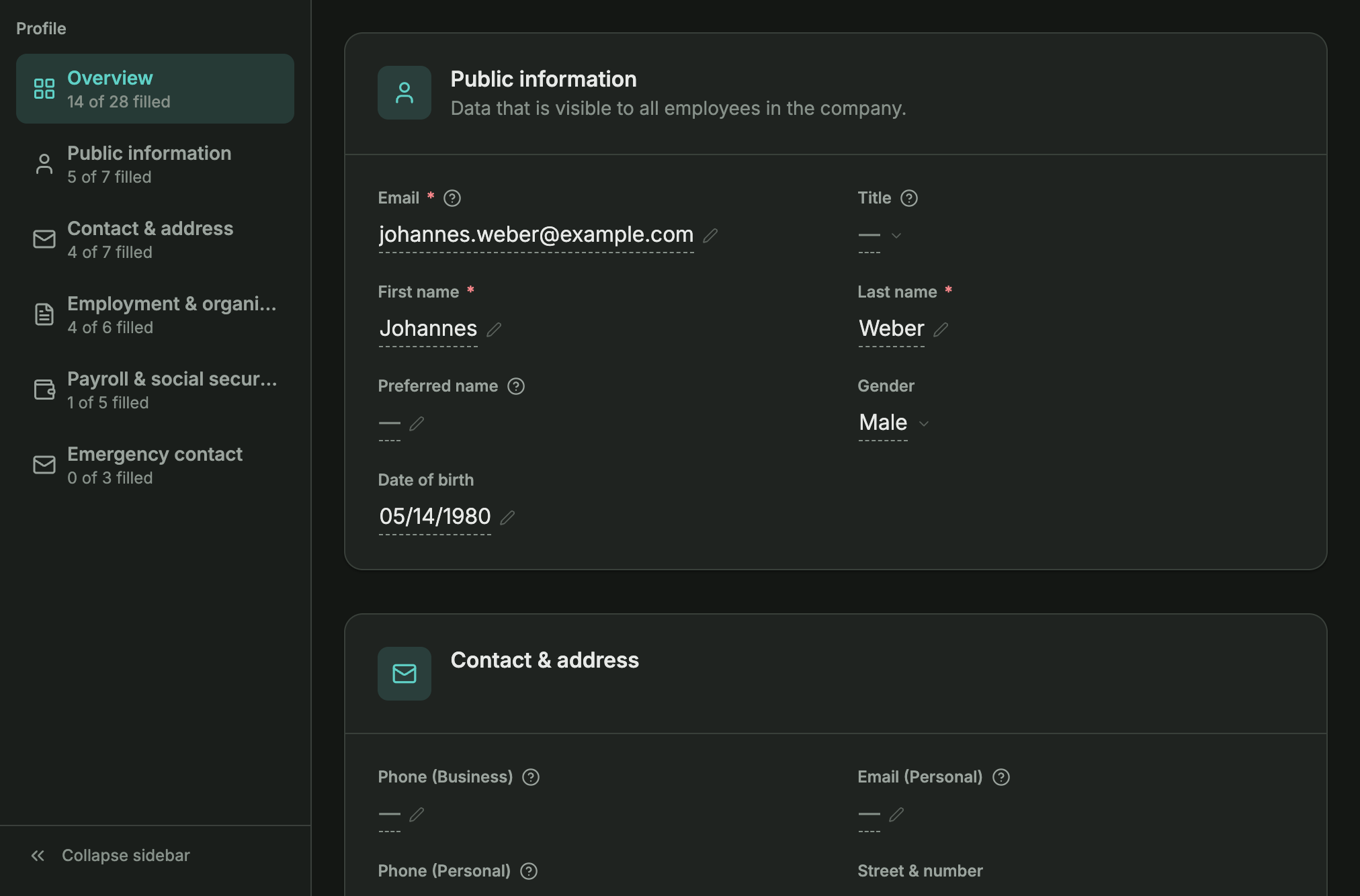
Employees keep their own details up to date.
Employees suggest changes to their own records directly. Records stay current without anyone having to chase it up.
- Employees can update their records in their own time
- No changes are made without manager approval
3 → 1
Three updates become one
In practice
A new hire's start date moves two weeks later. Update the contract once, working hours, leave entitlement, and payroll all follow automatically. What used to take three manual updates now takes one.
Time tracking
Connects straight to time tracking and absences
The employee contract automatically sets working hours and leave entitlement, so time tracking and absences are applied from day one.
See time tracking →Frequently asked questions
Can employees update their own information?
Yes. Employees can be given the right to suggest changes to their own profile. No changes go through without manager approval.
Is old data kept when something changes?
Yes. Every change is saved with the date it took effect, so you can always see what was true at any point in time.
Who can see employee records?
Access is controlled section by section, so people only see the parts of a record that are relevant to them.