
Track working time without the maths.
Log working hours with a click and see target vs. actual hours. Target hours come straight from the contract, so there is nothing to work out in a separate spreadsheet.
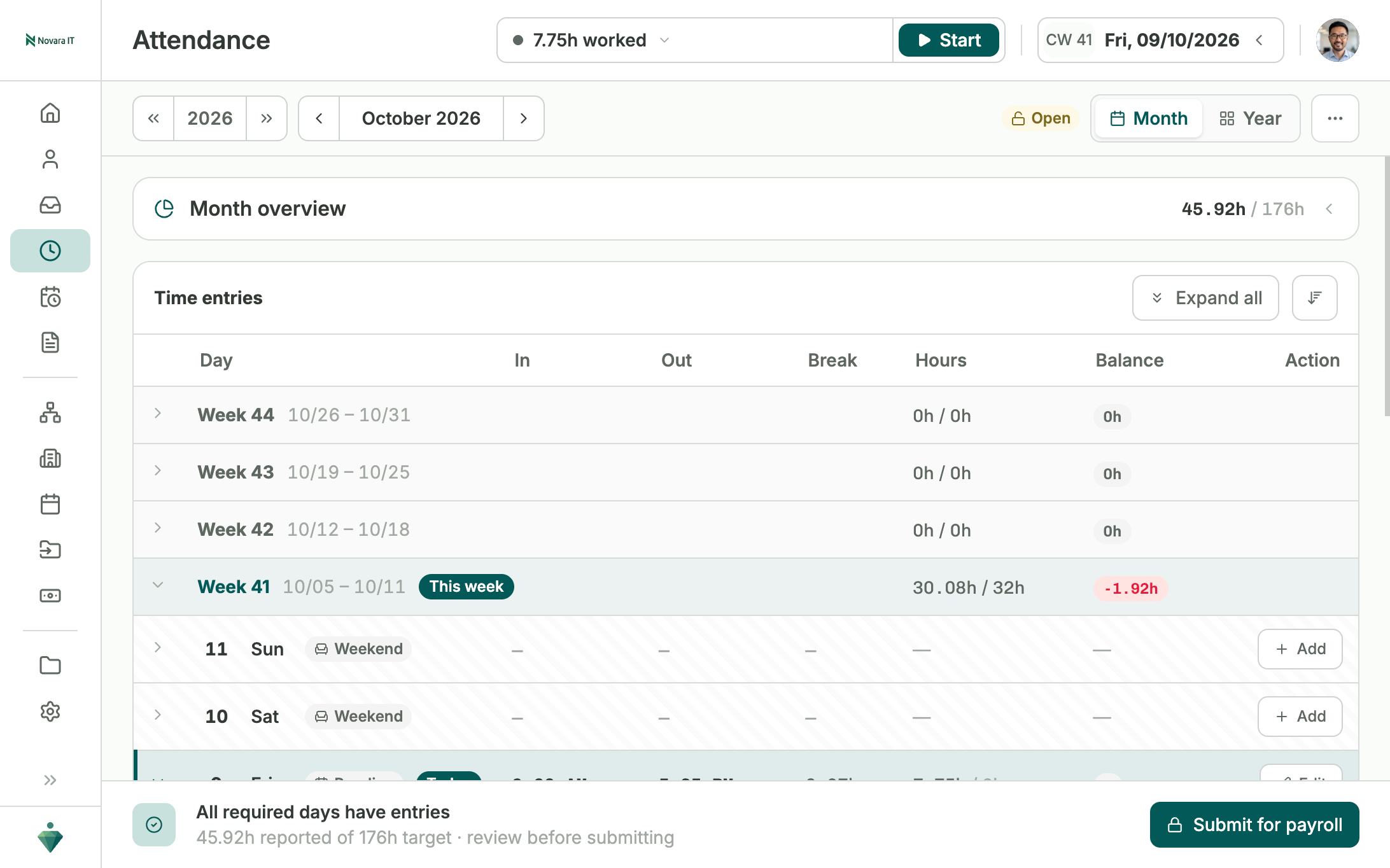
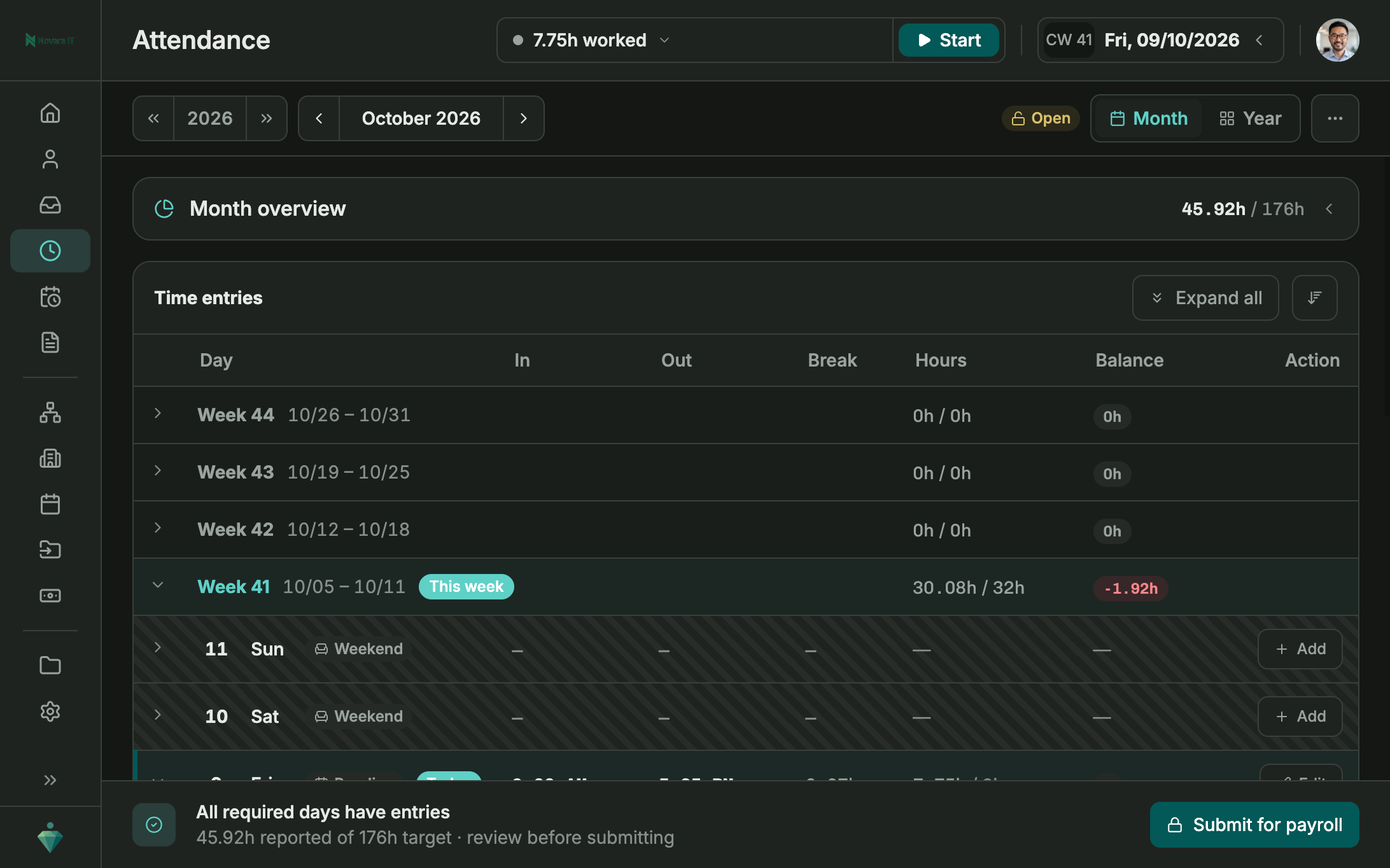
Log working hours in seconds.
Clock in from a desktop or a phone, that's up to each person. Every entry is timestamped to the minute, so there is no rounding up or guessing what time you actually started.
- Accurate to the minute, no guesswork
- No paper timesheets to fill in
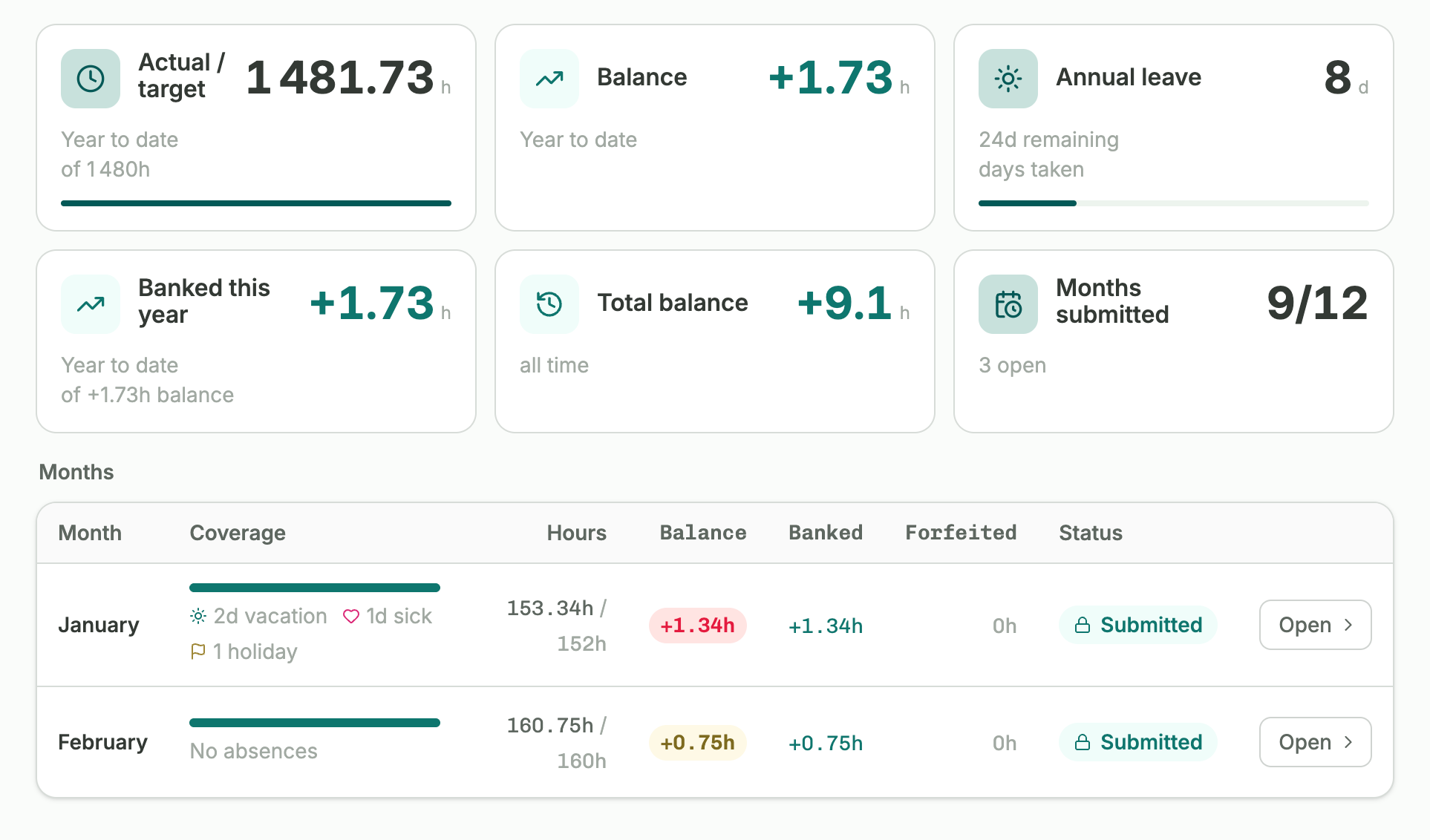
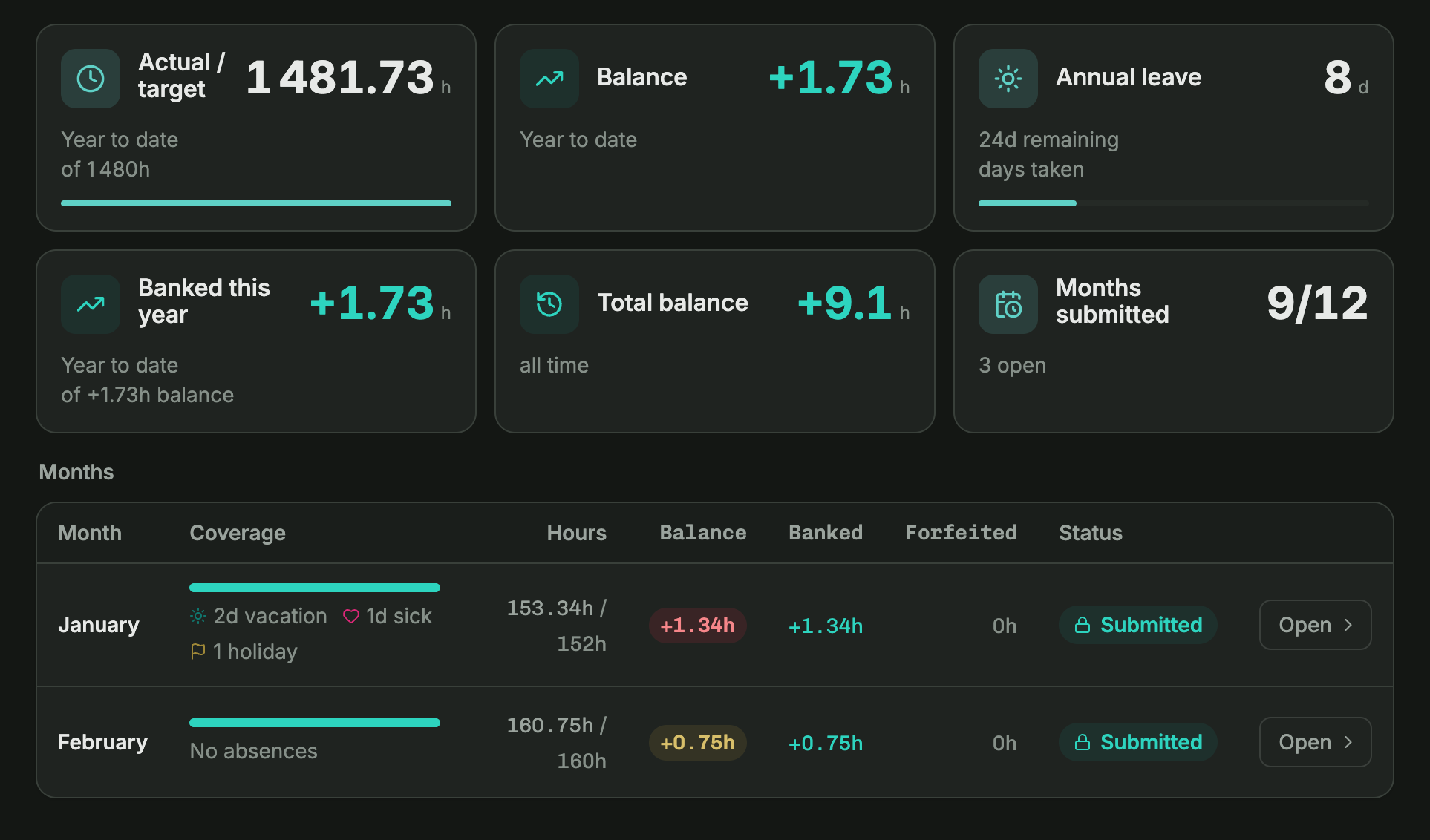
Target vs. actual hours
Every logged hour rolls up against the employment contract's target the moment it's entered. No exporting to a spreadsheet, no adding it up by hand.
- Updates the moment an entry is logged
- Target hours pulled straight from the contract
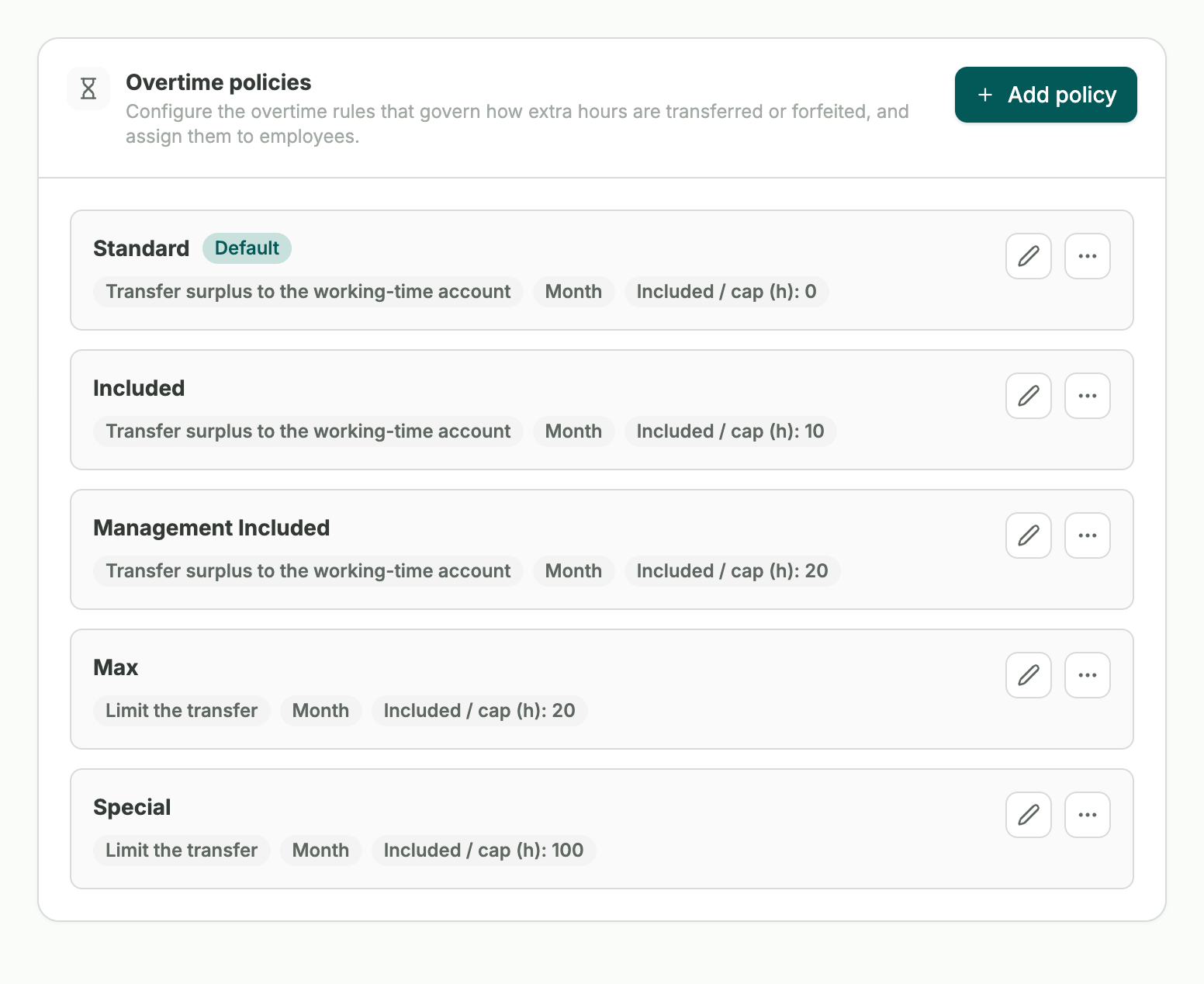
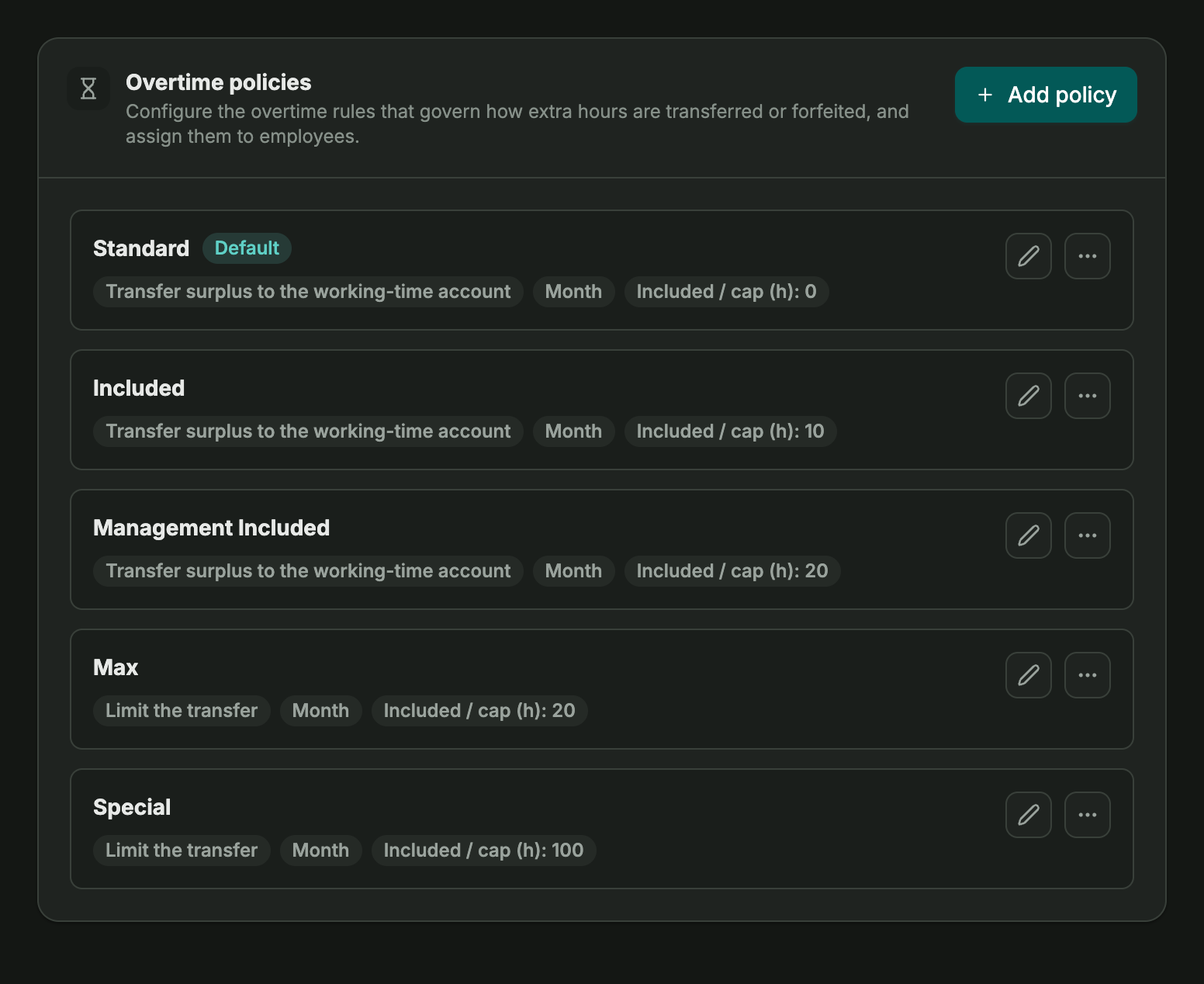
Your overtime rules, applied automatically.
Define overtime however your company's policy works. Gemploy applies it automatically to every entry, so managers have a clear overview.
- You define your own threshold and rules
- Visible to managers in real time
100%
Accuracy
In practice
Every logged hour updates the total right away. Employees and managers both see exactly where overtime stands at any time.
Absences
Connects straight to absences.
Working hours and leave entitlement come from the same contract, so approved leave always lines up with the hours someone is meant to work.
See absences →Frequently asked questions
Can employees log time from their phone?
Yes, time tracking works from desktop and mobile, so hours can be logged wherever someone is.
Is overtime calculated automatically?
Yes. Set your threshold and cap once, and Gemploy applies them automatically to every entry.
Does Gemploy handle payroll itself?
Not directly. Gemploy prepares logged hours cleanly for export to DATEV or your accountant.