
HR for small business: What you actually need
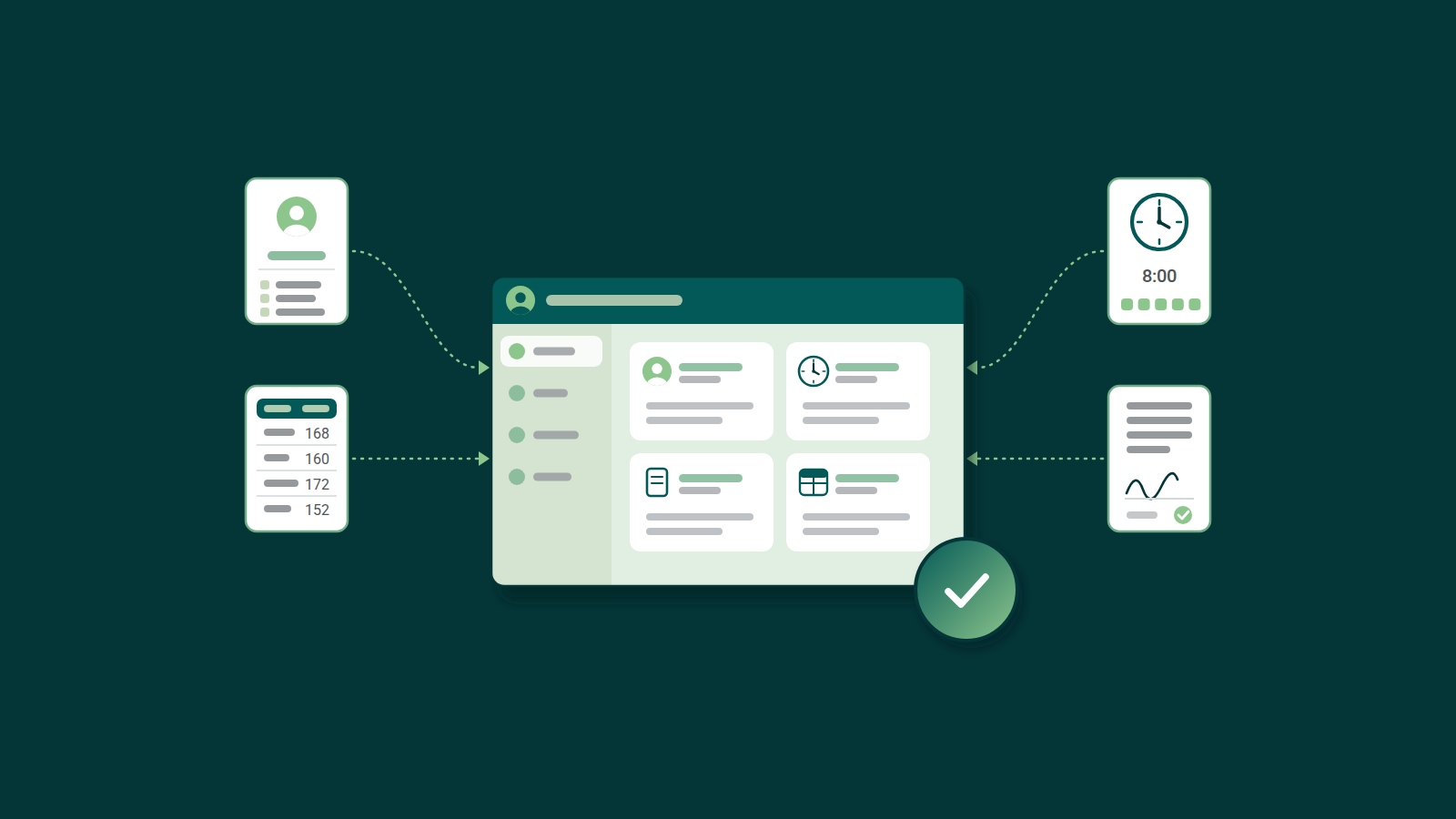
Strip away the job title, and HR for a small company comes down to a handful of concrete tasks. It requires keeping employee records straight (contracts, addresses, bank details), tracking who worked when, approving vacation and sick leave, storing signed documents somewhere you can easily find again, and preparing the numbers your tax advisor needs to run payroll. Early on in the business, you need a place to track these things so it doesn’t depend on memory or emails.
What “HR” really means when you’re a team of one
New businesses have too much on their plate for HR to get real attention early on. Somewhere between sales calls and supplier emails, you also have to track who's off next week, whose contract still needs a signature, and what your tax advisor needs by the end of the month. HR isn't your specialty, but you ended up doing it because, with two, five, or ten employees, there’s no budget (or need) for a dedicated HR person to deal with the paperwork, not yet.
The real question you need to be asking isn’t whether you need an HR person or department this early in the game. It’s what you actually need so this part of the business stops eating your time.
Using Excel as an HR tool
A spreadsheet works well for the first few employees. The issues arise once personnel records get buried under other messages, a signed contract ends up in a random folder, and two versions of the same file start circulating with different numbers in them. We've covered exactly where that breaks down in our article: Is Excel good for time tracking?
None of this is a sign you’re bad at HR. All it means is that you have outgrown your system.
What actually matters
For smaller businesses, people management comes down to:
- Employee records: One place for personal data like addresses and bank details, so nothing gets buried in an old email.
- Time tracking: A simple way to log working hours and absences that doesn’t rely on someone remembering to mention it.
- Centralized document storage: Contracts and personal details in one place, so nothing depends on someone's memory.
- Payroll handoff: Your tax advisor receives clean numbers at month-end, without retyping the same numbers into a new format.
That’s it. That's the list. It’s shorter than most HR software vendors would like you to believe.
What HR features you can safely skip
Of course, there's a lot more you can do beyond the three points mentioned above. But for a smaller company, a five- or even thirty-person company rarely needs a complex recruiting pipeline or employee engagement surveys. Those are real topics that need to be covered, just not yet. Buying software built to solve them means paying for a tool you’ll eventually grow into, if you grow into it at all, while the daily problem (scattered records) stays unsolved, and at what cost?
Simple HR software for small businesses
The market is full of HR tools promising to streamline employee management, offering AI features for analytics. It can be hard to know exactly what's right for you and your budget.
This is roughly the problem two founders set out to solve, after more than twenty years running their own software company and handling exactly this kind of HR work themselves, on the side, the way most small business owners do. Gemploy was built to keep people, time, absence, and payroll prep in one place, with the rules for each work location applied automatically, whether that's a different state or a different country. It's built for those who are starting and don’t want to pay for features or seats that they aren't ready for. It’s free for teams of up to 9 people, then 5 € (not incl. VAT) per employee per month after that: one plan, cancel any month.
Gemploy keeps people, records, and the export in one place, so the handoff to your tax advisor for payroll takes minutes instead of hours.